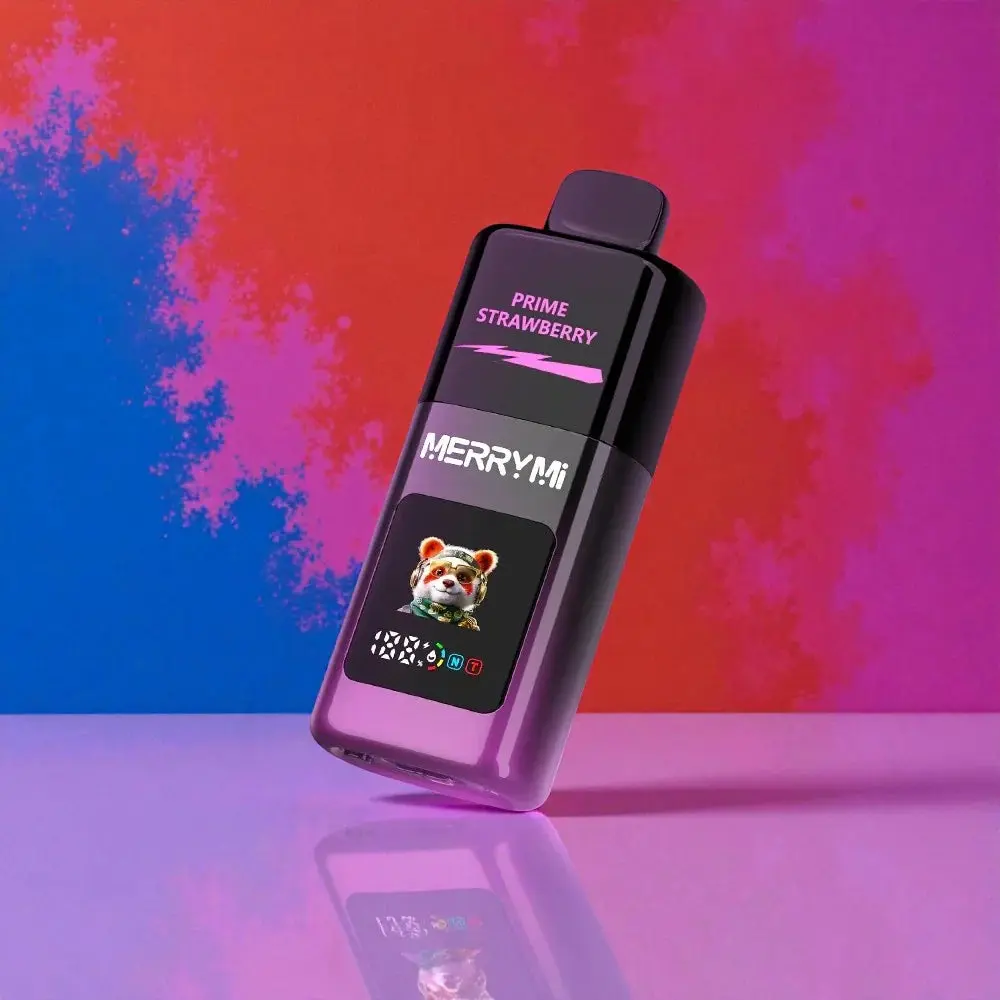
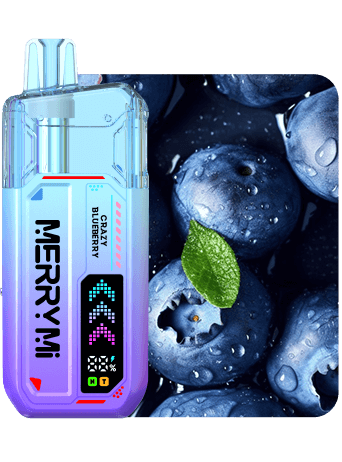
Pick up a vape with a screen for the first time and you are looking at a row of small icons. Battery, e-liquid level, mode, puff counter — where they sit and how they look changes from device to device. The logic behind them, though, is almost always the same. Learn it once and you can read any screen.
Here are the four readouts that actually matter, the mistakes people make most often, and how to tell when it is time to charge, refill or replace.
Why every display looks different
A basic device often has nothing more than a small LED that changes colour as the battery drains. Devices with a real screen show icons, bars or percentages instead. Even identical-looking symbols can shift meaning: on one model a droplet means “tank half full”, on another it means “tank almost empty”.
Treat the screen as a guide and the manual for your specific model as the reference. If an icon is unclear, check the product description before you plug the device in or swap it out.
On the Mecha X 36000 the 1.2-inch display sits on the side of the body, with battery and e-liquid shown separately.
Battery icon: when does it need charging?
The battery usually appears as a bar made of several segments, or as a percentage. As the bar empties, it is time to reach for the cable. If the icon blinks or only an empty outline is left, stop vaping and charge the device.
When you plug in, the cable is only half the story — the adapter matters too. USB-C is standard now, but a high-wattage fast charger is not automatically the better choice. Use the cable supplied with the device and check that the port and body are dry and undamaged before charging.
E-liquid indicator: what the droplet really tells you
The droplet, a thin bar or an “E-Liquid” label all show the estimated fill level of the tank. Nothing is actually measured — the device estimates and often lags behind. On a transparent tank, trust your eyes over the icon: what you can see is more reliable than what the screen reports.
With refillable pod systems, top up as soon as the level drops low, not when the display reports empty. With prefilled disposables the droplet only means one thing: the end is near. Those devices cannot be refilled, and forcing it risks leaking liquid and a dead battery.
Mode icons: Normal, Turbo, Eco, MTL and DTL
The mode tells you how the device is running. Eco and Normal are tuned for longer battery life; Turbo or Boost deliver more vapour per puff and drain the battery faster. On most devices you switch between them with a double click or a long press.
MTL and DTL describe the draw itself: MTL is a tighter, cigarette-style pull, DTL is an open, airy inhale straight to the lungs. Those letters say nothing about battery level — they only describe how the device is set up.
The Mecha Pro 35000 shows the active mode directly on its smart display — Normal and Turbo are easy to tell apart at a glance.
Puff counter: handy, but not a fuel gauge
The puff counter registers whatever the device recognises as a draw. Some models count everything since first use, others only the current session, and some can be reset. That makes the number a poor consumption meter: one long, deep draw counts exactly the same as a short one.
The “35,000 puffs” figure on the box is an estimate under lab conditions. How long your device really lasts depends on draw length, mode and airflow. The counter is still useful for understanding your own rhythm.
Three devices with displays, compared
These three models from our range show how differently the readouts can be arranged — all with a real display, but each with a different focus.
Model
Puffs
Display
Modes
Nicotine
Best for
Merry Mi Mecha Pro 35000
35,000
Smart display
Normal, Turbo
5%
Clear readouts and a stronger draw
Merry Mi Mecha X 36000
36,000
1.2-inch HD
Turbo
3%
Keeping battery and liquid visible at once
Airmez Fox 2 in 1 80000
80,000
LED
Dual flavour
2%
Two flavours in a single device
Display types and key specs across the three models.
Charge, refill or replace?
Charge: when the battery icon is low, blinking, or the device asks to be plugged in.
Refill: only on devices built for it — and before the tank is completely empty.
Replace: prefilled disposables, as soon as the e-liquid indicator reads empty.
Stop: on a burnt taste, leaking, cracks, or unusual heat around the body.
Four things people get wrong
“100% battery means a full tank”
No. Battery and e-liquid are two separate values. A fully charged device can be nearly out of liquid — and the other way round.
“The droplet means I can refill it”
The droplet only shows the level. Whether refilling is allowed depends on how the device is built, not on the icon.
“The counter tells me how much is left”
Only some models count down. Most show the puffs you have already taken, not the ones remaining.
“Turbo is lit up, so something is broken”
Turbo and DTL are operating modes, not error messages. If an unfamiliar symbol blinks, only the description for that specific model will tell you what it means.
The short version
Know the four basic icons and you never have to guess: battery says when to charge, e-liquid says when it is finished, the mode says how strong the draw is, and the counter shows your own rhythm. Everything else is detail work on your specific model.
Usually the battery is almost empty. On some devices it can also point to a contact problem — charge it fully once and see whether the blinking continues.
How accurate is the e-liquid display?
It is an estimate with a delay. On a transparent tank, looking at the liquid itself is the more reliable check.
Can the puff counter be reset?
It depends on the model. Some reset automatically, some with a button combination, and others cannot be reset at all.
We always use the cookies necessary for the website to function. Analytical cookies help us understand how our visitors use the site. We only use these with your consent.
Functional
Always active
The technical storage or access is strictly necessary for the legitimate purpose of enabling the use of a specific service explicitly requested by the subscriber or user, or for the sole purpose of carrying out the transmission of a communication over an electronic communications network.
Preferences
The technical storage or access is necessary for the legitimate purpose of storing preferences that are not requested by the subscriber or user.
Statistics
The technical storage or access that is used exclusively for statistical purposes.The technical storage or access that is used exclusively for anonymous statistical purposes. Without a subpoena, voluntary compliance on the part of your Internet Service Provider, or additional records from a third party, information stored or retrieved for this purpose alone cannot usually be used to identify you.
Marketing
The technical storage or access is required to create user profiles to send advertising, or to track the user on a website or across several websites for similar marketing purposes.